Calendar
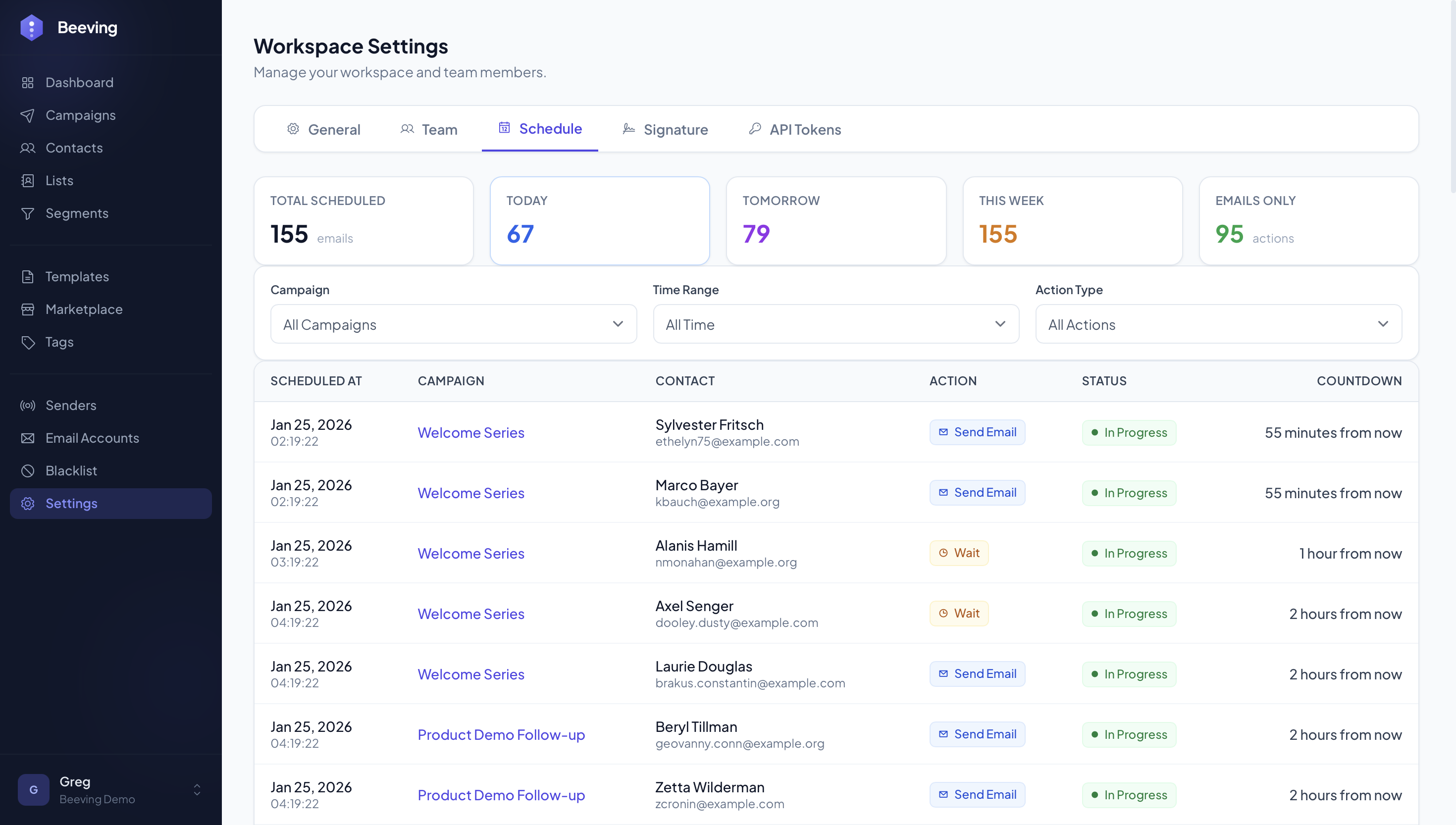
Master your send schedule
Visualize all your scheduled sends on a clear calendar. Plan your campaigns, coordinate your sends and optimize your timing.
The screen
Sending windows
Weekdays, business hours, the recipient’s timezone, and a random gap between sends.
Calendar view of all your sends
See at a glance all your scheduled emails. Day, week and month views for optimal planning.
- Day, week and month views
- Drag and drop to reschedule
- Colors by campaign
- Filters by send type
Smart scheduling
Features to optimize your timing
Smart Timezone
Send your emails based on your contacts' time zone to maximize engagement.
Bulk Scheduling
Schedule multiple campaigns at once with smart rules.
Conflict Alerts
Get notified if two campaigns might overlap for the same contacts.
Optimal Hours
Time suggestions based on your contacts' engagement history.
Day Exclusion
Send on business days only and set your own rules for weekends and holidays.
Easy Rescheduling
Drag and drop to change a campaign's send date.
Best times to send
Insights based on analyzing millions of emails
B2B
- Tuesday to Thursday between 9am-11am
- Best kept free: Monday morning and Friday afternoon
- Alternative: 1pm-3pm after lunch
SaaS
- Onboarding: Immediately after signup
- Nurturing: Tuesday-Wednesday 10am-4pm
- Re-engagement: Sunday evening or Monday morning

Ready to automate your outreach?
Free plan. Sign up with just your email. Cancel anytime, or stay as long as it's working.
Free plan · Email-only sign-up · Cancel anytime